

How to Create a Coloring Book
Ready to turn your favorite drawings into a complete coloring book? It is super easy and fun! Just follow these simple steps to bundle your art into a masterpiece.
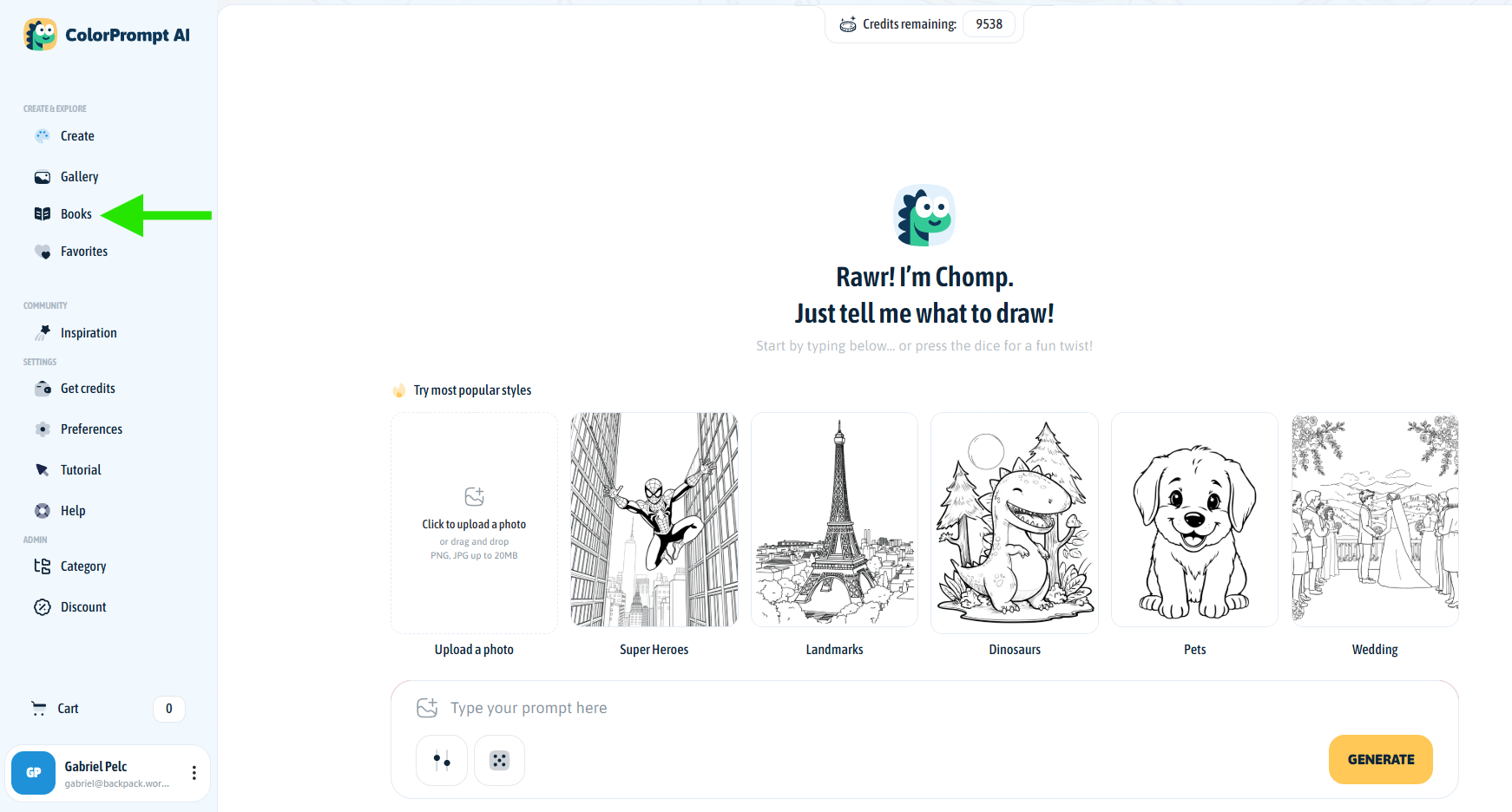
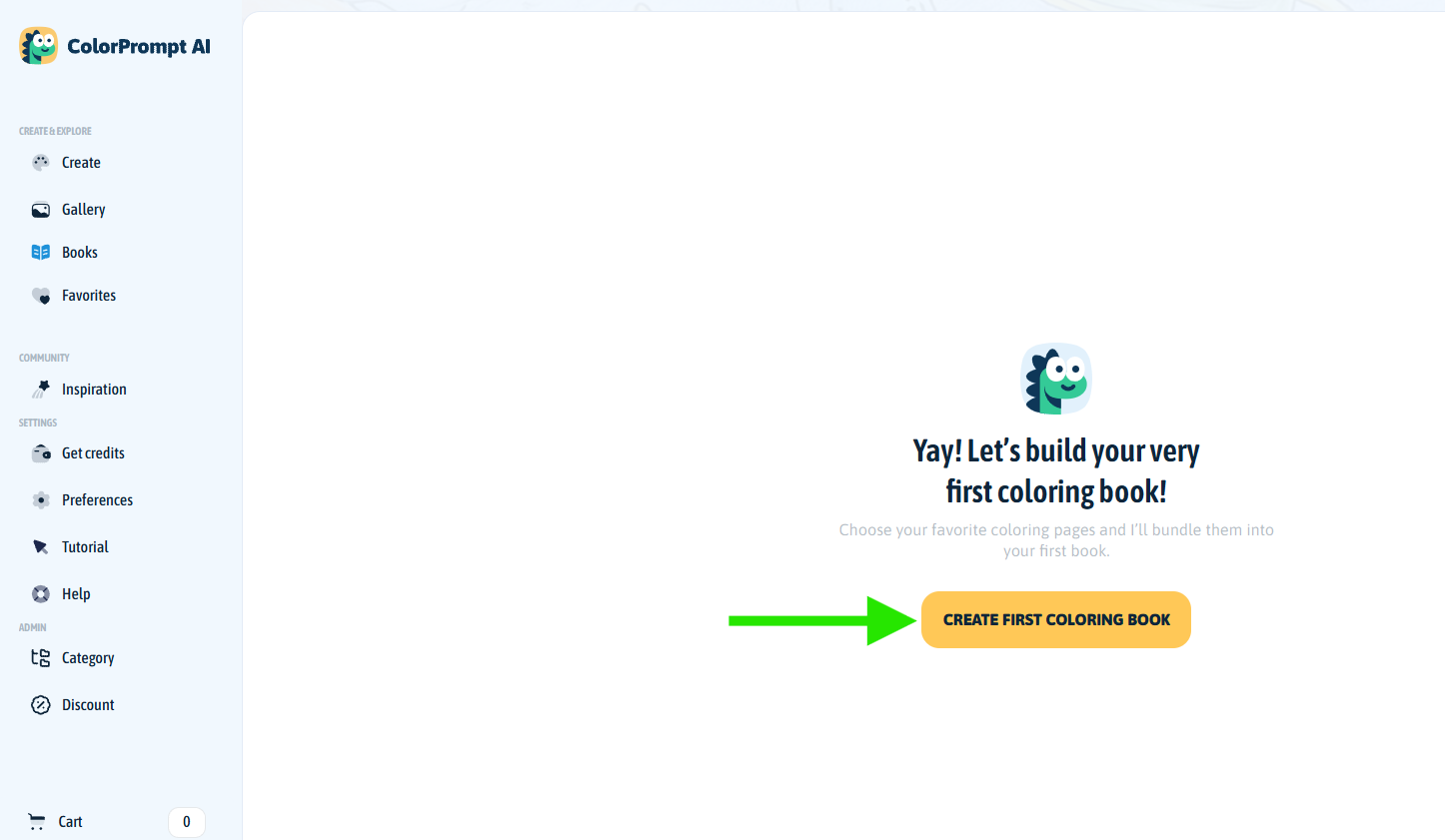
Start Your Book: Look at the menu on the left side of your screen and click on Books. Then, click the big yellow CREATE FIRST COLORING BOOK button.
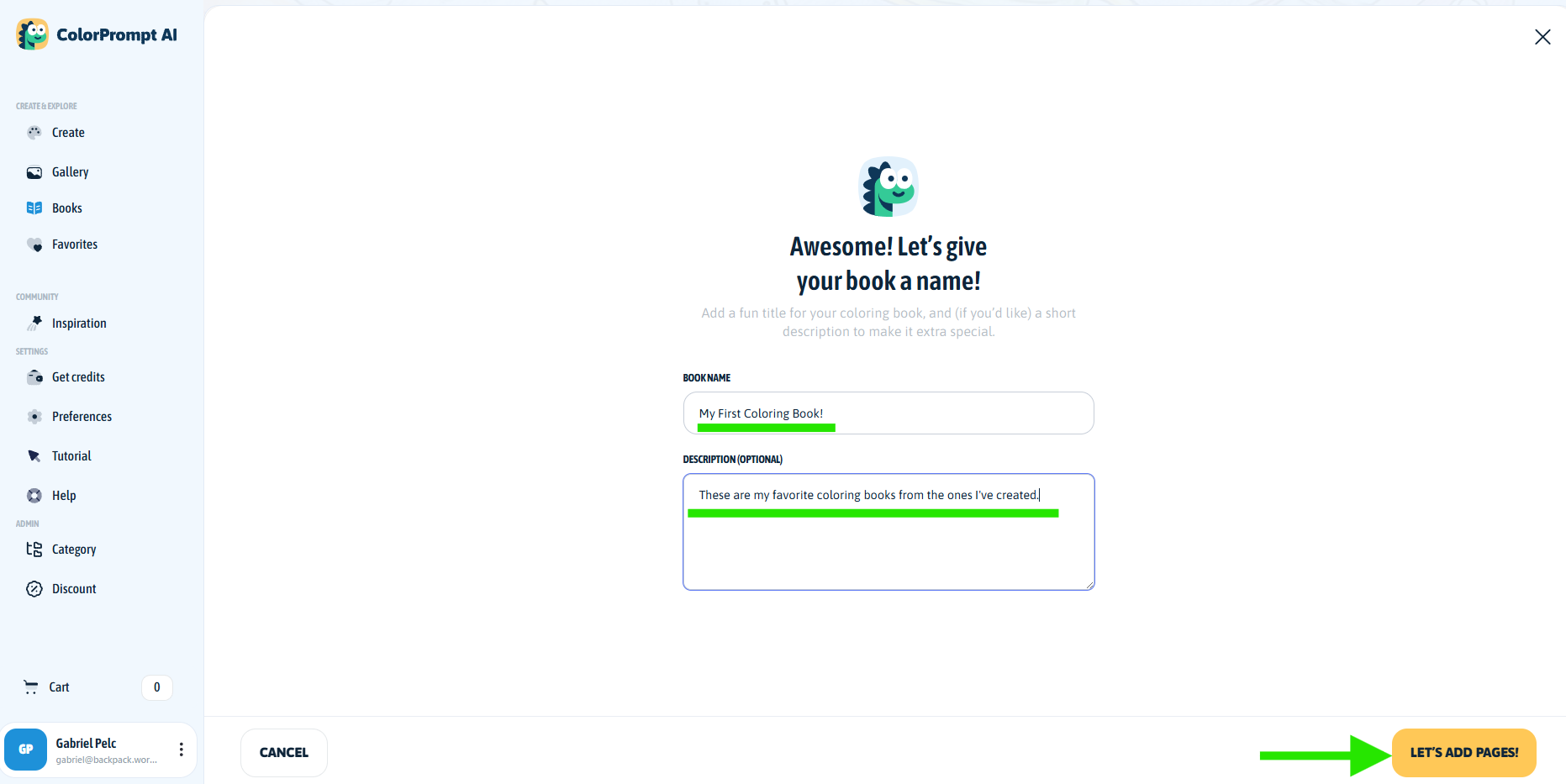
Give It a Name: Type in a fun title for your book. You can also add a short description if you want to make it extra special. When you are done, click LET'S ADD PAGES!
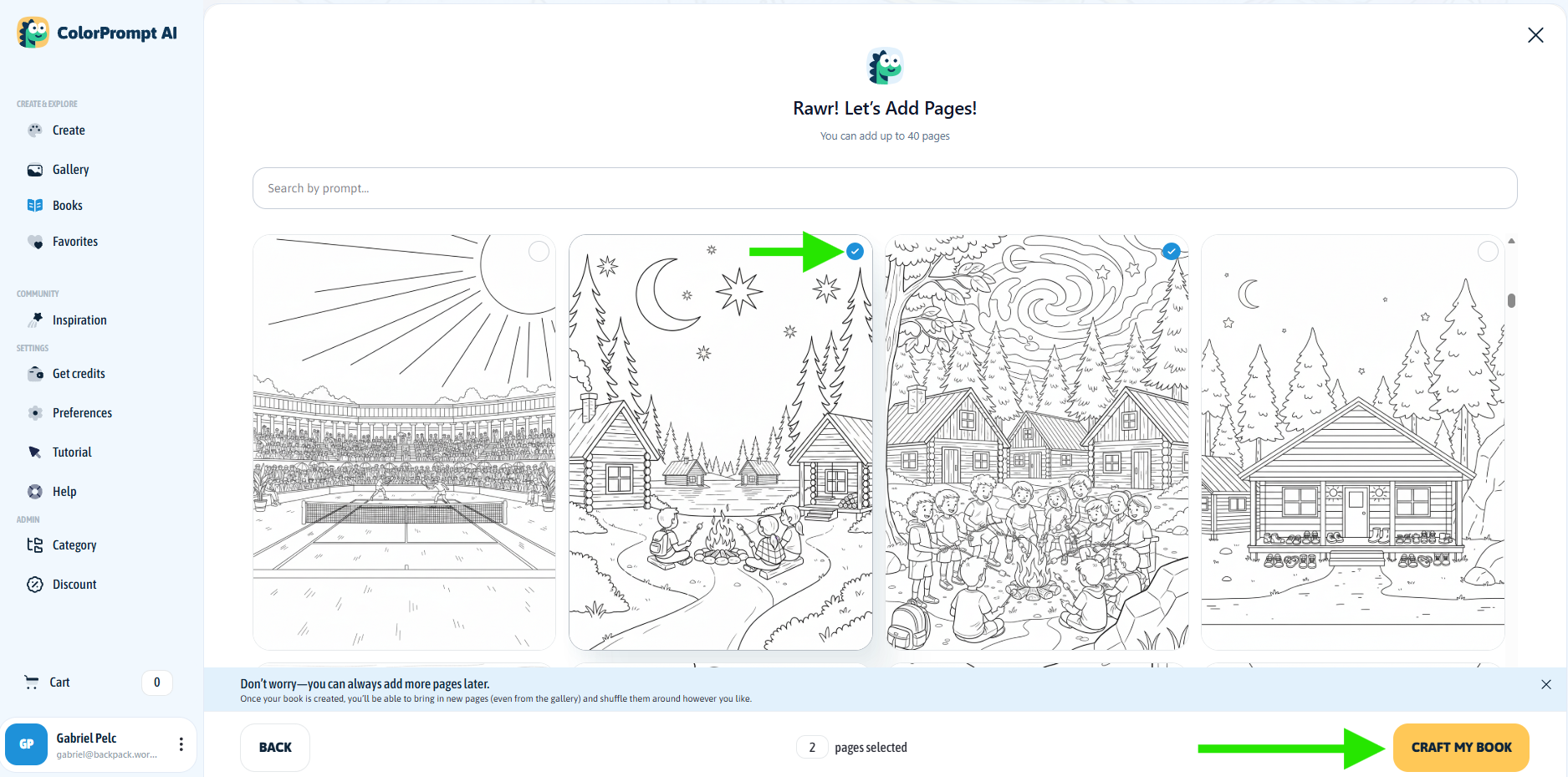
Pick Your Pages: Time to choose the art! Click on your favorite coloring pages to select them (look for the little blue checkmark). You can pick up to 40 pages for your book. Click CRAFT MY BOOK to put them all together.
Design the Cover: Let's make the outside look as good as the inside! You can tell the AI exactly what you want the background to look like, then click GENERATE COVER. Pick your favorite option from the results.
You can also do it on your own using other Background settings and also the 'Advanced Editing' at the bottom of the page!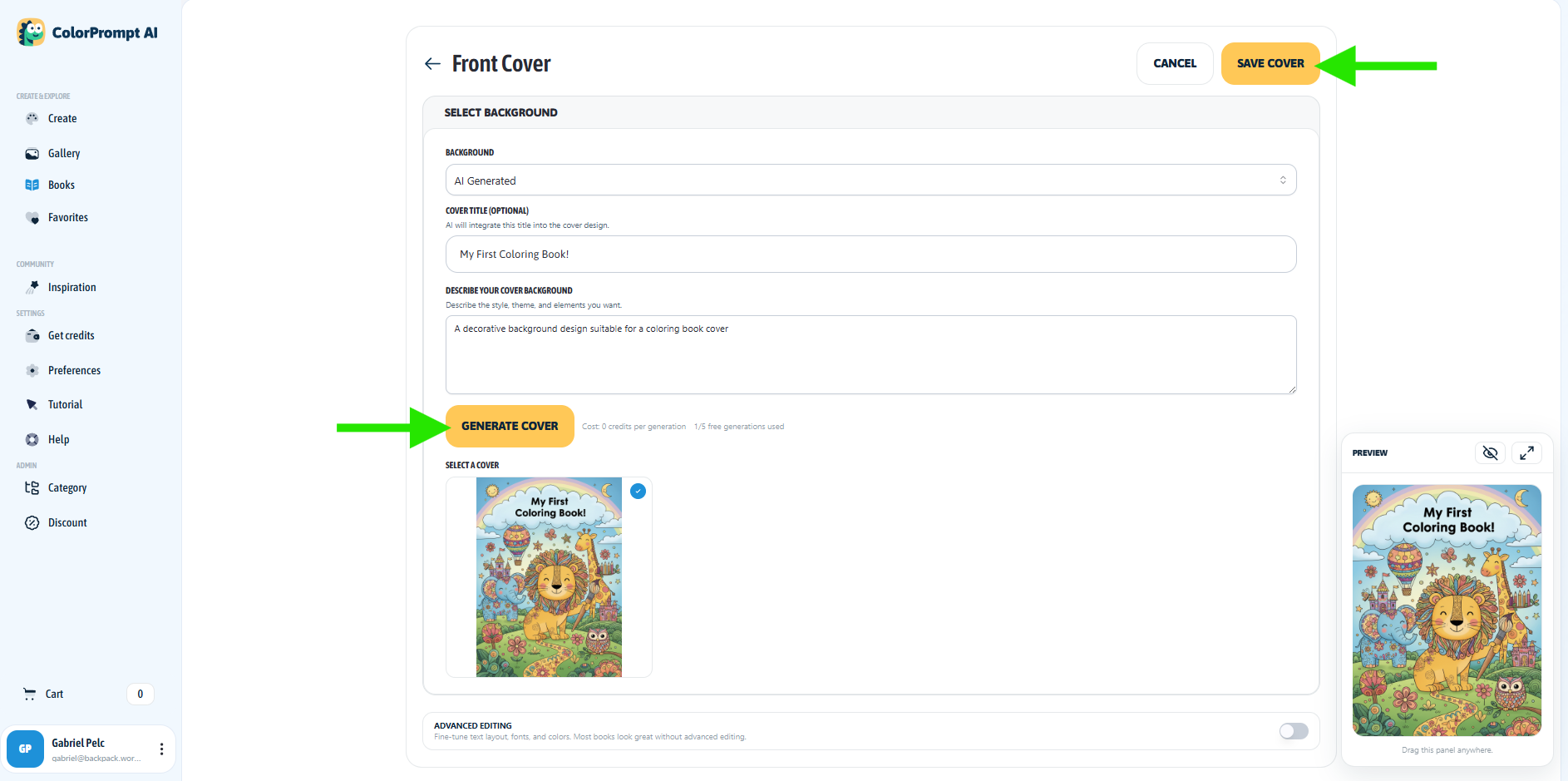
Pro tip: You can turn on the Advanced Editing switch at the bottom to play around with fonts and colors! Make sure to hit SAVE COVER when it looks perfect.
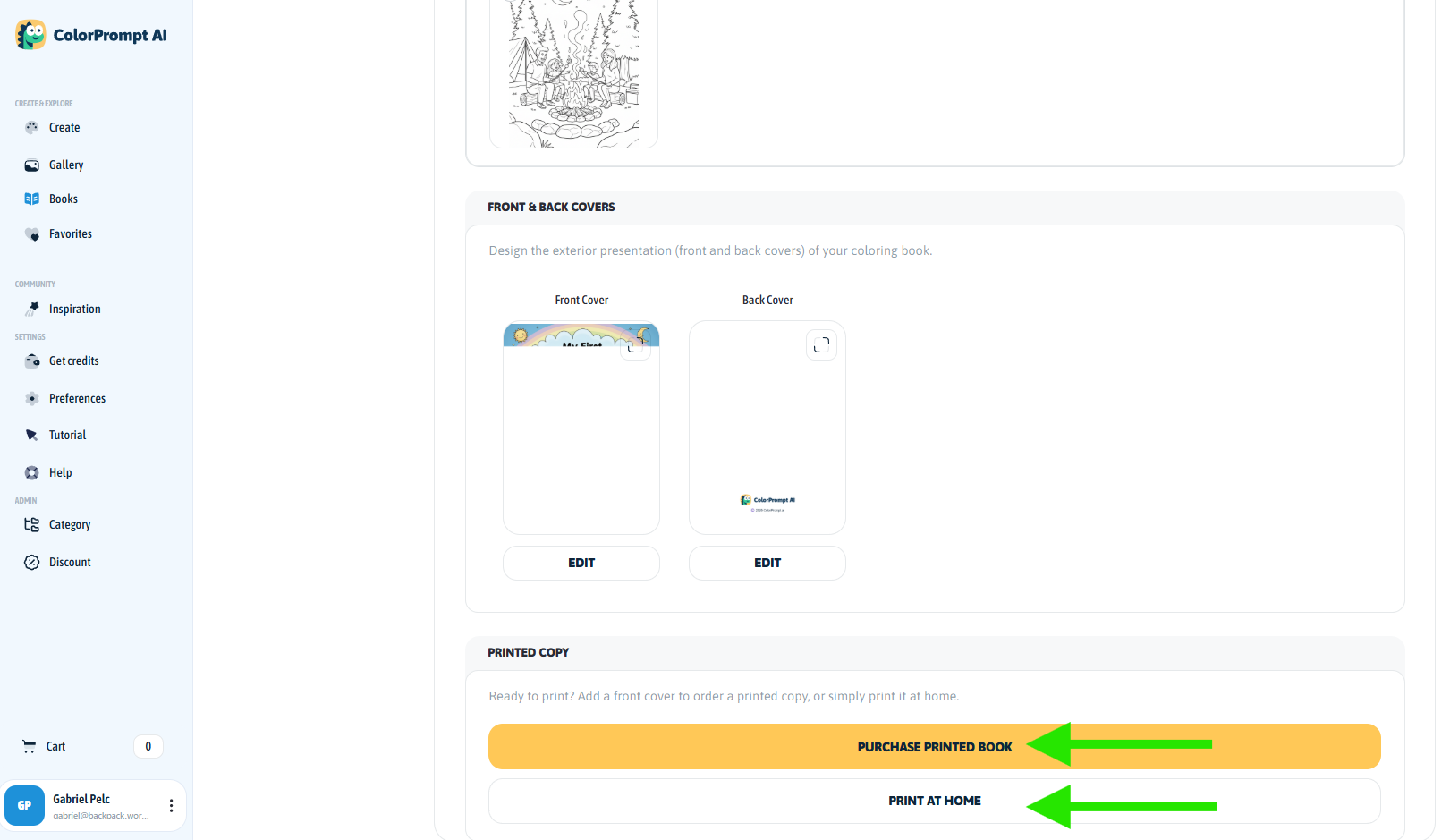
Bring It to Life: Now for the best part! Choose how you want to enjoy your new creation:
Print at Home: Download your book so you can print it from your own printer right away.
Purchase Printed Book: Order a real, physical copy of your book that we will print and ship straight to your door. These are great for gifts!
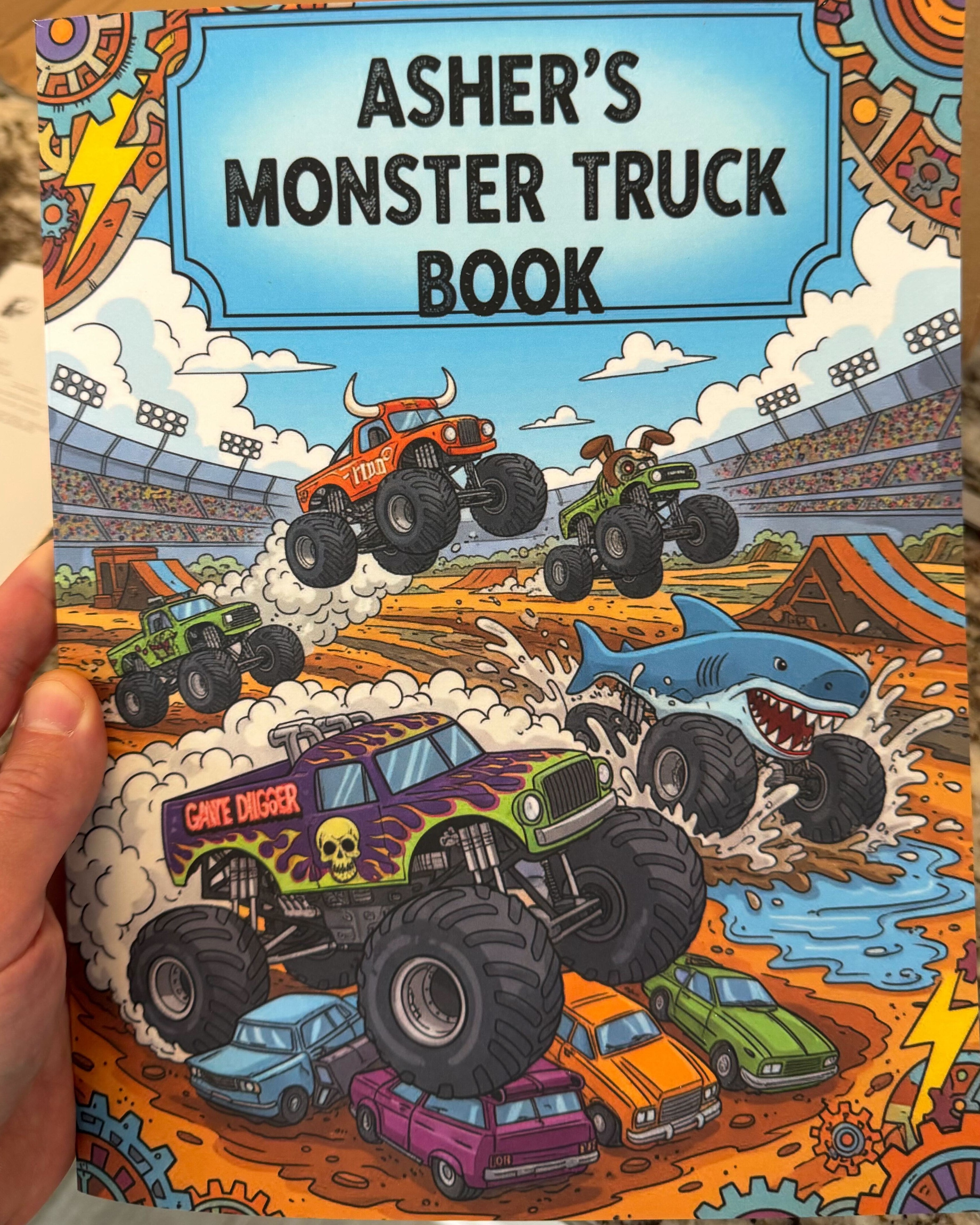
Now go color your masterpiece! ✨