

Styles and Processing Modes
The real secret sauce to creating art exactly how you're imagining it is selecting the right Style and Processing Mode.
Here’s a quick guide to each setting:
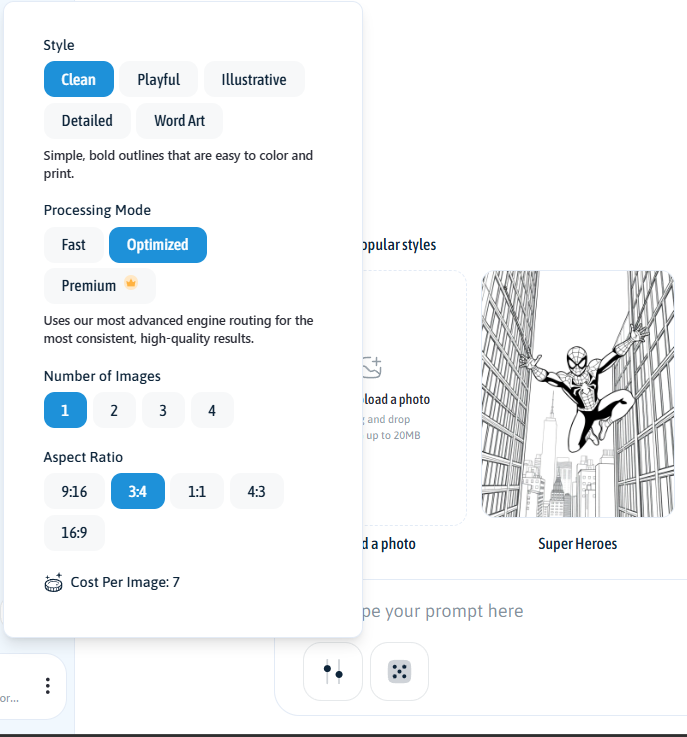
Styles
Choose the overall look and feel of your coloring page:
Clean: Simple, bold outlines that are easy to color and print. Your go-to for classic coloring pages.

Playful: Friendly characters and rounded shapes with a fun, lighthearted feel.
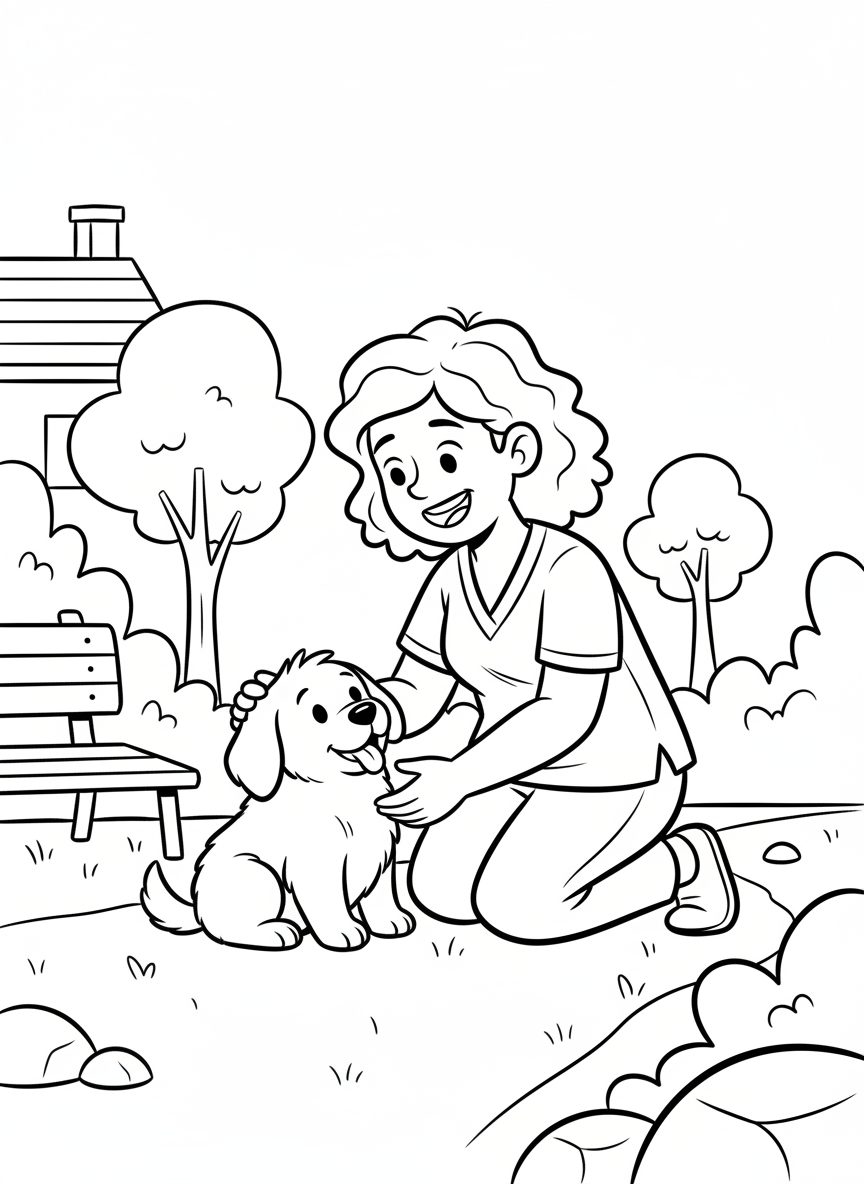
Illustrative: More expressive drawings with added depth and visual interest.
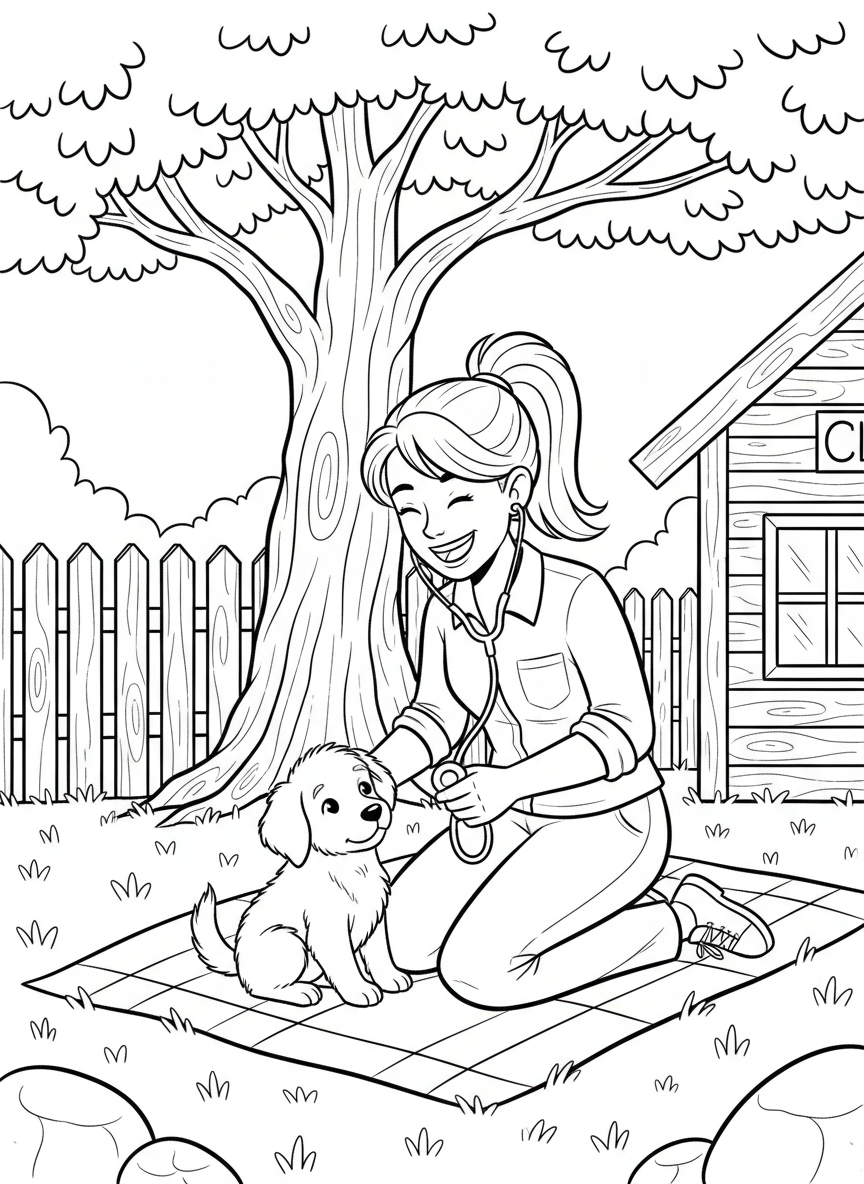
Detailed: Denser line work with more intricate elements for advanced coloring. (Note: This style generates one image at a time and requires Optimized or Premium processing modes).
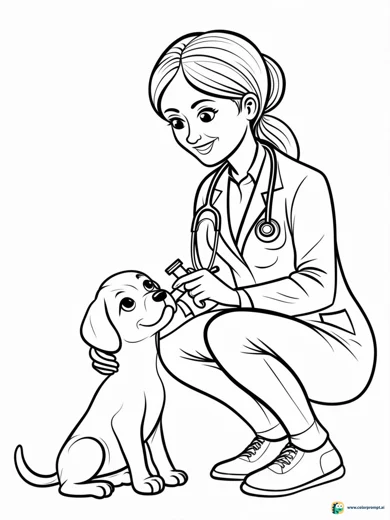
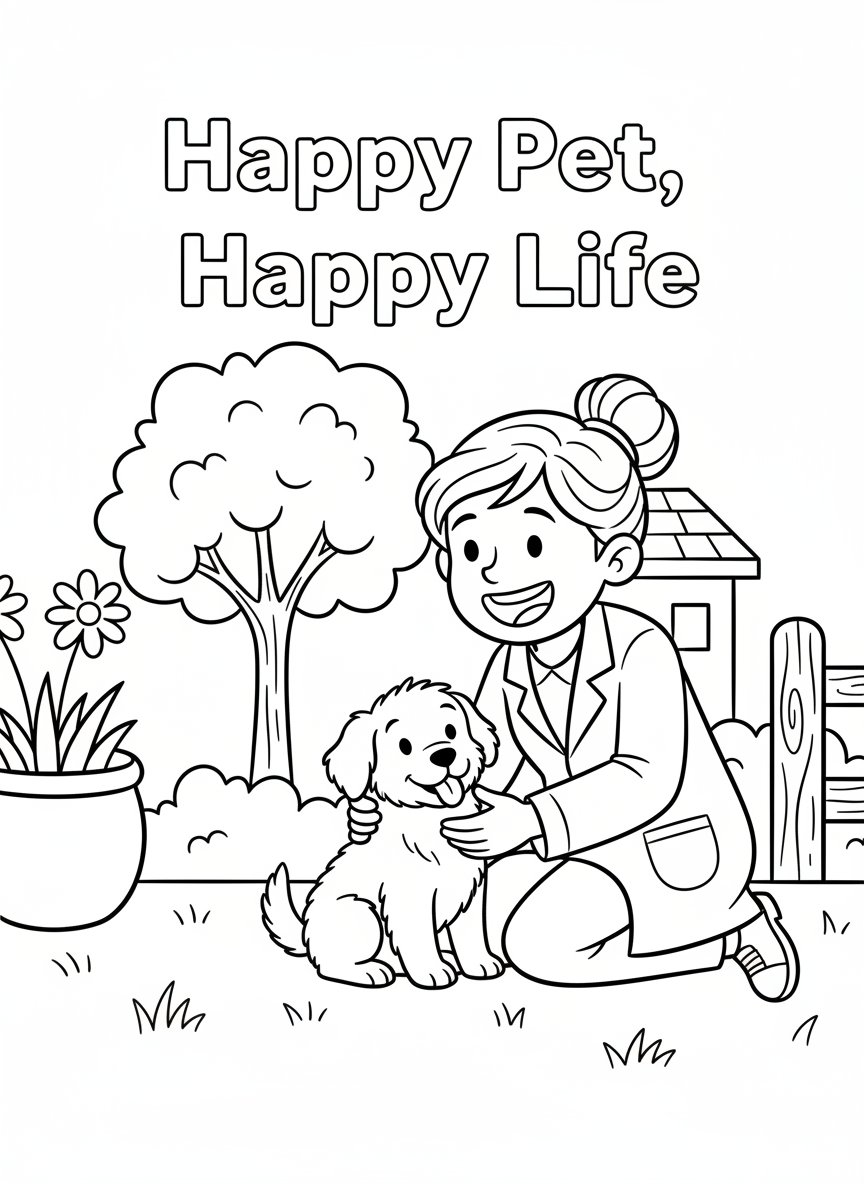
Word Art: Creative lettering designs for names, quotes, phrases and pages where the lettering is very important. (Note: This style cannot be used with Fast processing mode).
Processing Modes
Choose how the engine processes your prompt:
Fast: Prioritizes speed and lower cost. Best for quick drafts or simple prompts.
Optimized: Uses our most advanced engine routing for the most consistent, high-quality results.
Premium 👑: Our most advanced model for superior spelling, detail accuracy, and prompt precision.
Here’s a heads-up: Different combinations of Styles and Processing Modes will change your "Cost per Image," so you can easily choose the best setup for your budget in the menu.
Want one more neat trick? Turn your own photos into coloring pages by clicking the Upload a photo button (it looks like a picture with a plus sign) just above where you type your prompt.

Go try it out and make some magic! ✨