

Using a Reference Image (Image-to-Image)
Instead of starting from scratch with just text, you can upload an existing image to guide the AI. This is perfect if you want to turn a photo of your pet into a coloring page or remix a sketch you drew.
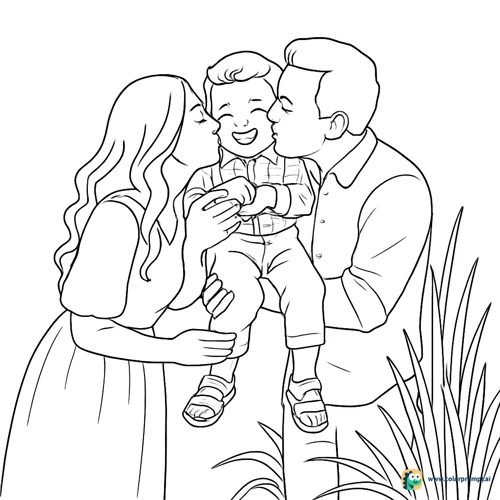
How to use it:
In the Create page, look for the Photo icon beside the prompt box.

A Few Tips for the Best Results:
- Use High-Quality Photos: The clearer and sharper your original photo is, the better.
- File Types: Works best with JPG and PNG files.
- Size Limit: Make sure your photo is under 20MB.
📱 iPhone Users: Got a "Live Photo"? We automatically grab the best still image from it for you.Click Generate.
Note: Uploading an image costs 5 credits per action.
Sometimes, the AI might get a tiny detail wrong (like a weird line or a stray mark). No need to start over!
Just use the "Edit" button" to fix anything in the image, from spelling errors to removing any objects. It’s that easy!
Go find your favorite photo and give it a try. We can't wait to see your memories turned into coloring magic. ✨